


Demo Test
Free
1-month trial
- Project
- 1
- Site
- 1
- User
- 15
- Group
- 3
- Role
- 3
Included: Floors
10 floors per site
Included: AI assistant
50 questions/month
Included: SOS
Not included: Extra site devices
CIP works out who is on site, on which floor and for how long — from the phone's own sensors, and nothing else.
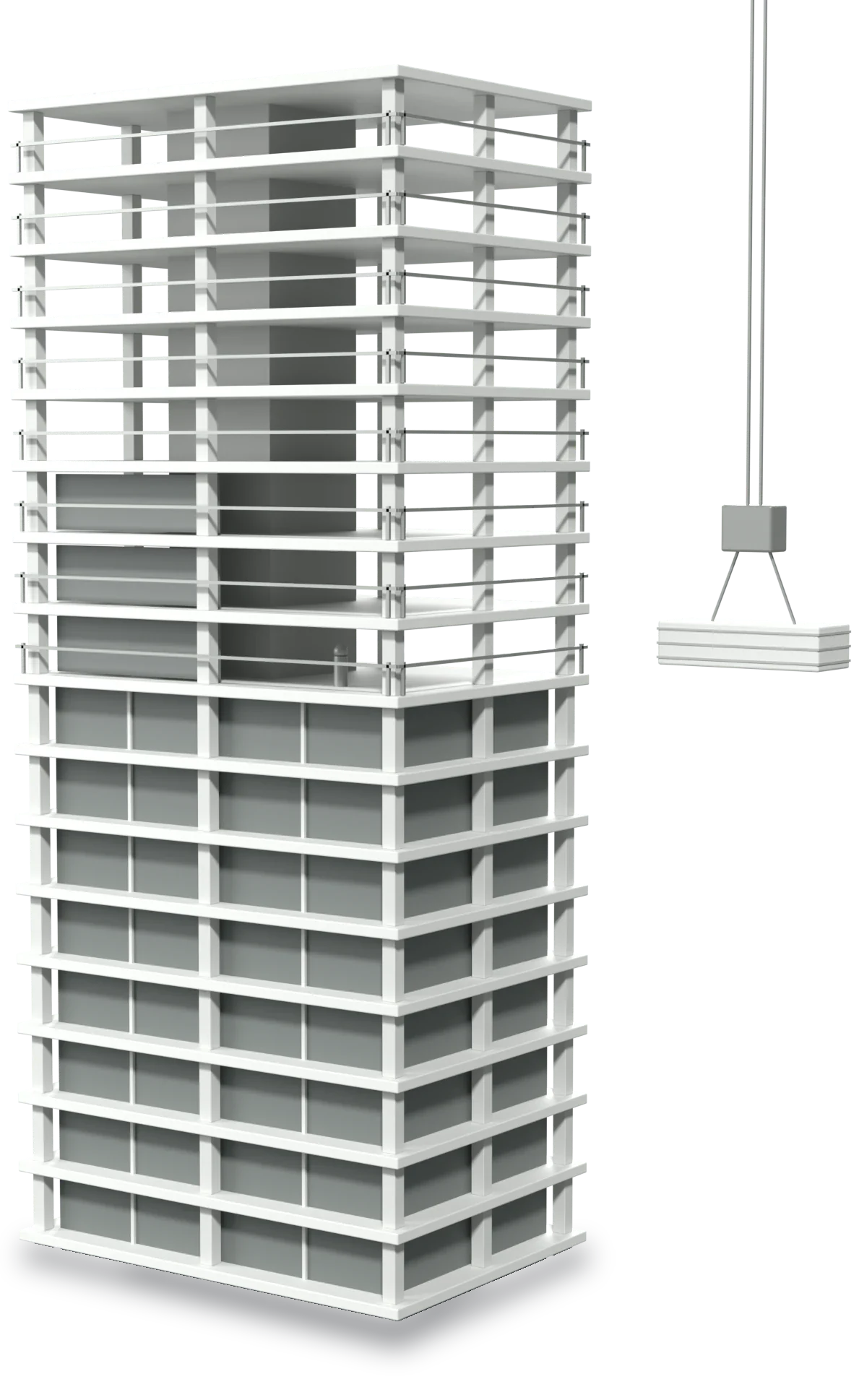
CI Platform can work out which floor each worker is on, and show in real time who is standing on any given one.
The system collects workers' location data and matches it against the building's floor structure. An administrator sees floor → workers in one place, reads how people are distributed at a glance, and can establish who is on a particular floor when it matters.
That matters most for safety monitoring, evacuation, emergencies and workforce control — an administrator can find out in seconds how many people are on each floor, and exactly who they are.
The screens are real. The data in them is a demonstration.
01 Live board
Five states, three views, and a clock that stops when the connection does.
Block, floor and who is standing on it — with nothing typed in by hand.
Time on site, lateness, breaks, overtime — each one with a timestamp behind it.
On an alarm the roll call assembles itself from the last known floors.
Turn on safety mode, and SOS if something happens. Attendance needs no button at all — they sign in once with an 11-digit personal number, and the site boundary does the rest.
You do not know exactly who is on site — or where. And the manual timesheet is wrong every day.
Paper and spreadsheets get filled in from memory, hours late. Nobody knows the real numbers — not even the crew.
When something happens, nobody can say who is in the building and on which floor — not for the rescue services, and not for the work.
After handover is already close.
Nobody can prove it did not happen — it simply was never measured.
We build CIP for construction sites, but the logic is the same anywhere people work a shift and move through a building — who arrived, when, on which floor, and how long they stayed.

Shifts, cover and group assignment — without a timesheet filled in by hand.

Teaching and support staff hours, by building and by floor.

Several branches, one board — who opened, who closed, who was late.

Crews, blocks and floors — attendance and evacuation roll call in one system.

A timesheet HR does not have to fill in; an export for payroll.
These sectors are examples — the product is the same one; only the description of the site and the shift changes.
Plans differ in capacity and in what they include — floors, the AI assistant, SOS. One monthly price, excl. VAT.
Free
1-month trial
Included: Floors
10 floors per site
Included: AI assistant
50 questions/month
Included: SOS
Not included: Extra site devices
790 ₾ / month
excl. VAT
Included: Floors
8 floors per site
Included: AI assistant
100 questions/month
Included: SOS
Not included: Extra site devices
1 090 ₾ / month
excl. VAT
Included: Floors
20 floors per site
Included: AI assistant
300 questions/month
Included: SOS
Not included: Extra site devices
1 390 ₾ / month
excl. VAT
Included: Floors
40 floors per site
Included: AI assistant
500 questions/month
Included: SOS
Not included: Extra site devices
Price on request
Included: Floors
On request
Included: AI assistant
On request
Included: SOS
Included: Extra site devices
0₾
The worker's own phone is enough
Georgian lari (₾) · monthly invoice
Archiving frees space; the history stays
Answers about what the product genuinely does — and about what it deliberately does not.
No. The hardware is 0₾ — the worker's own phone is enough. The floor is established from the phone alone, with no extra equipment: no beacon, no card, no turnstile.
The floor is established precisely — to ±1–2 metres in good conditions — and automatically, in towers and on underground levels alike. The worker types nothing and carries nothing extra.
Attendance is recorded during working hours, on site. Recording stops when the worker leaves the site boundary. Outside working hours, safety mode keeps the sensors active but records nothing.
Yes. The app asks first. While recording, iOS shows a blue indicator in the status bar and Android a permanent notification. Consent can be withdrawn at any time, from the app's own home screen.
Precise locations — 90 days. Attendance sessions — about 13 months, then deleted.
With an 11-digit personal number. No email and no password for the worker — shift and group apply automatically.
Pings are buffered and uploaded in batches when the connection returns. The administrator sees an honest status — “offline (on site)” — rather than a false “left”.
Monthly = capacity × price. The currency is Georgian lari (₾), invoiced monthly. Raise the capacity whenever you like and the invoice follows.
Ready in 3 steps: draw the site boundary, add the workers by personal number, and the system does the rest. We set it up on one site — you see live results within days.

Tell us which site you want to start with. One block is enough to see the gap between the timesheet and reality in the very first week.